AcademEA Help Center - Students Module
1. All Students
The All Students view provides a comprehensive master list of every registered student in the system.
- Hide/Show Columns: Check or uncheck fields (Student ID, First Name, Gender, Nationality, etc.) to customize your table view.
- Quick Actions: Export data, print, copy, or send bulk communications using the top utility bar.
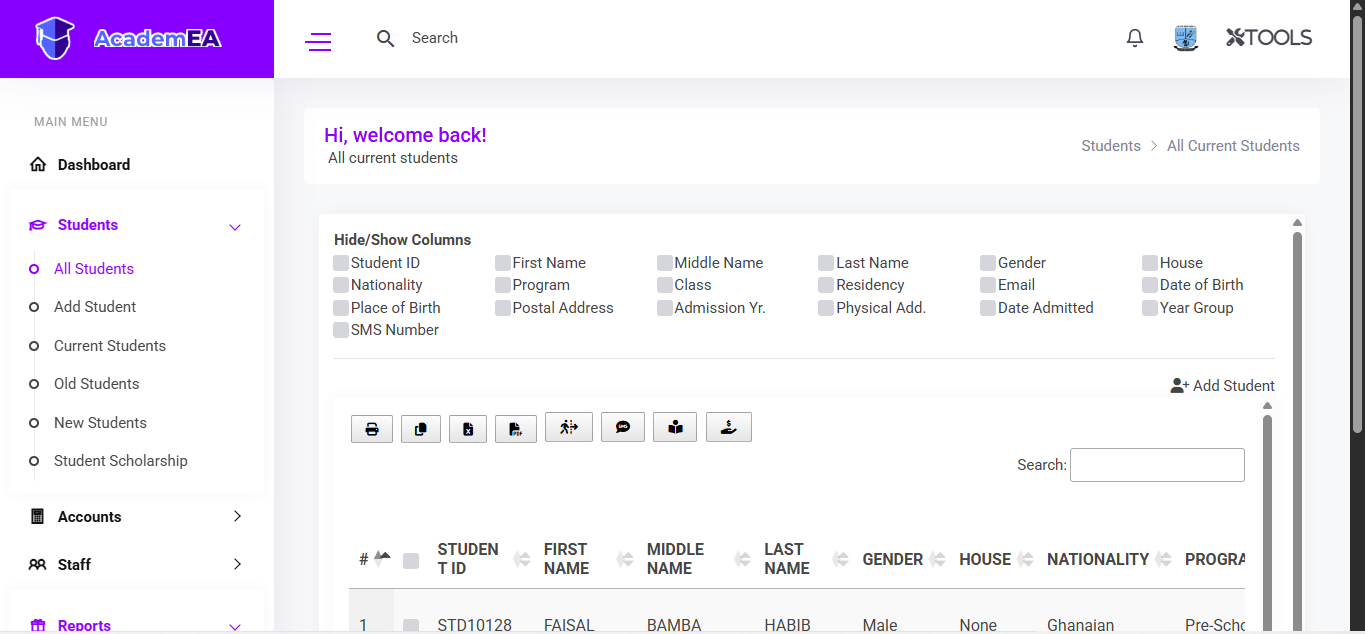 Figure 2.1: All Students master view and column toggles.
2. Add Student
A step-by-step wizard for registering new admissions into the school database.
- Step 1: Fill in core student details (Name, Phone Number, Gender, Class, Residence Type).
- Steps 2–4: Progress through Father, Mother, and Guardian information tabs.
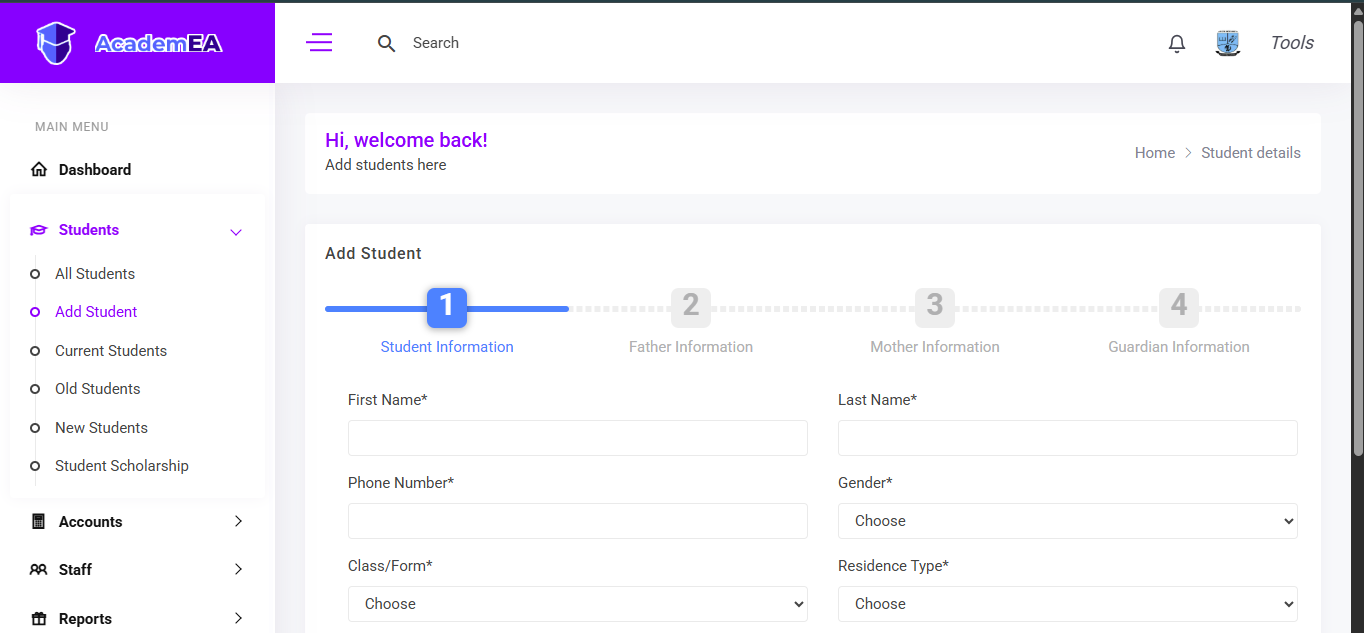 Figure 2.2: Add Student registration wizard step 1.
3. Current Students
Manage active student rosters, change classes, and view detailed individual records.
- Class Filter: Filter active student lists by specific classes (e.g., Basic 6).
- Detailed Tabs: Access student profiles, guardian information, other info, scholarships, and assigned subjects.
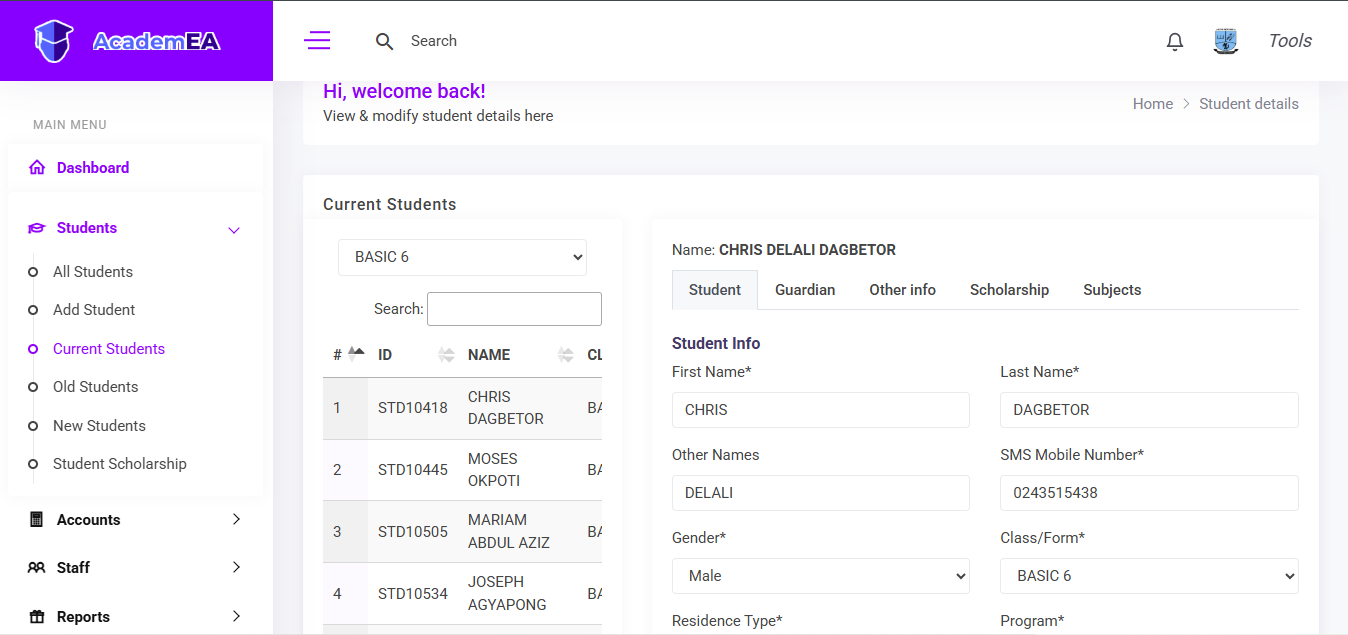 Figure 2.3: Current Students roster and detailed profile tabs.
4. Old Students
Access archival records of former or graduated students.
- Archive Management: Search and review historical records using customizable table columns and search filters.
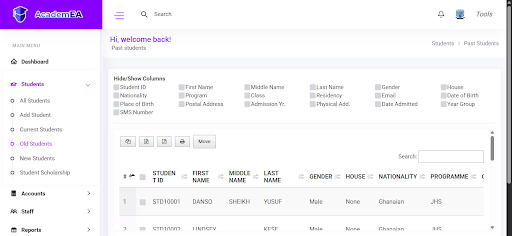 Figure 2.4: Old Students past record management interface.
5. New Students
Review newly admitted student cohorts for the academic session.
- Cohort Tracking: Easily track fresh admissions separate from continuing classes.
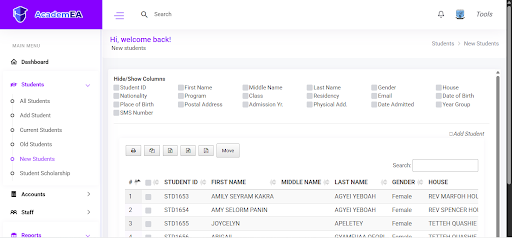 Figure 2.5: New Students admission list.
6. Student Scholarship
Track and review financial aid allocations awarded to students.
- Term & Year Filters: Sort scholarship records cleanly by selecting the academic year and term.
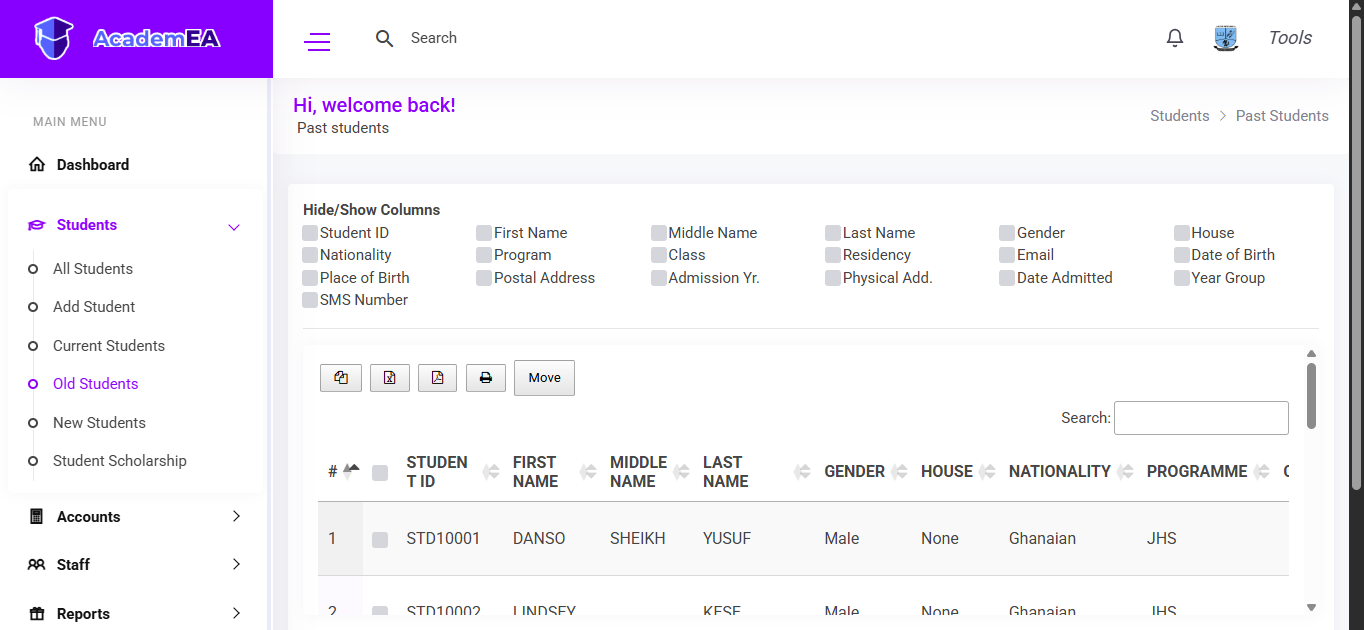 Figure 2.6: Student Scholarship tracking and term filter options.